October 1, 2026
7 mins
Read more



May 15, 2025
May 15, 2025
Joining a token sale on CoinTerminal is fast, easy, and accessible to everyone. You don’t need to stake anything or hold platform tokens. All you need is to connect your wallet and participate in the IDO of your choice.
CoinTerminal has introduced a new sales model: Uncapped Open Access Sales. The process works as follows: there is no pre-sale KYC; you simply connect your wallet and participate, contributing on a first-come, first-served basis, regardless of your wallet size.
If you contribute at least 250 USDT in any of our refundable sales, you’re also automatically entered into our $5,000 monthly lottery, even if you later request a refund.
Here’s how to join an IDO, step by step.
Below is a step-by-step guide on how to join an IDO sale at CoinTerminal. For explanatory purposes, we are using the IDO sale of AdixAI.
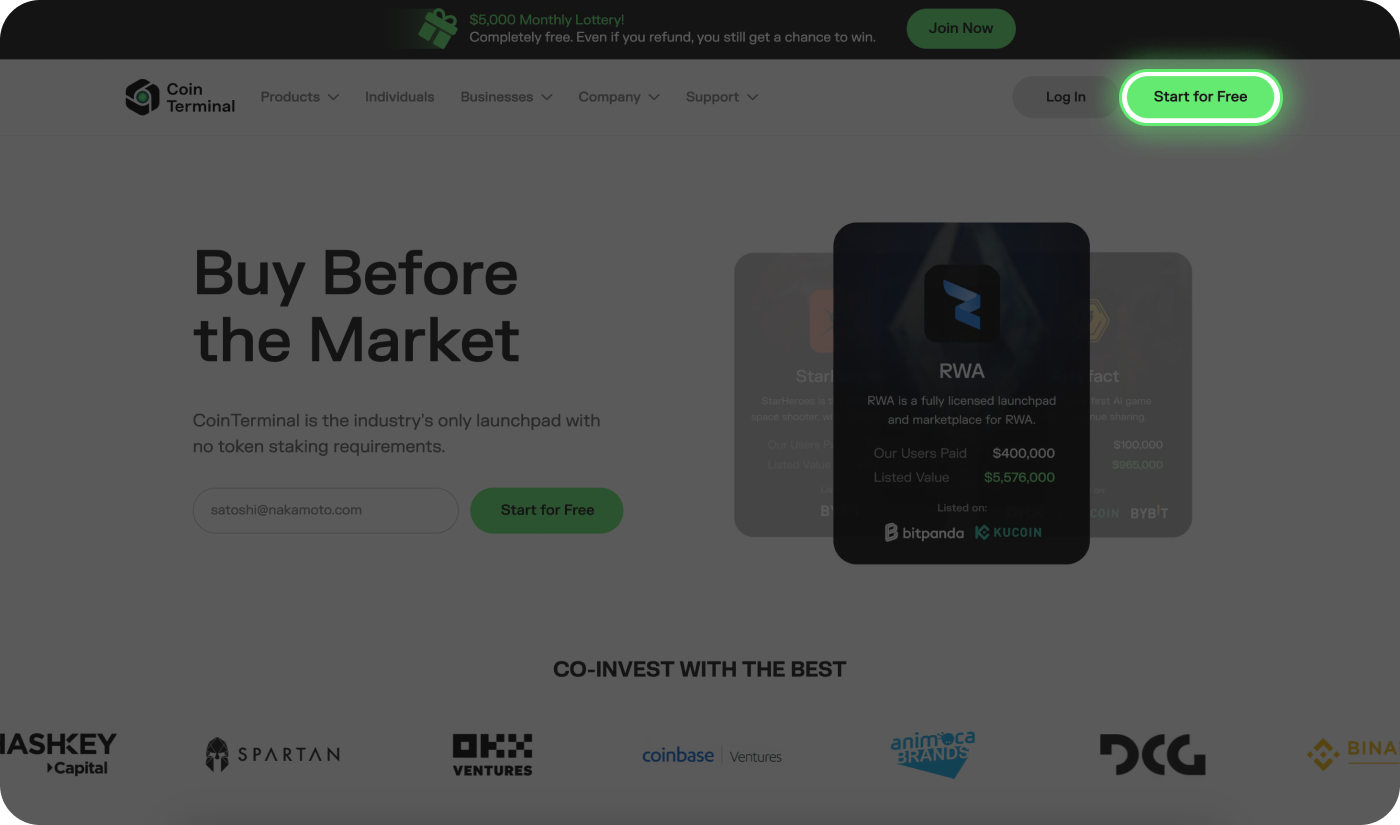
Visit CoinTerminal.com and click “Start for Free.”
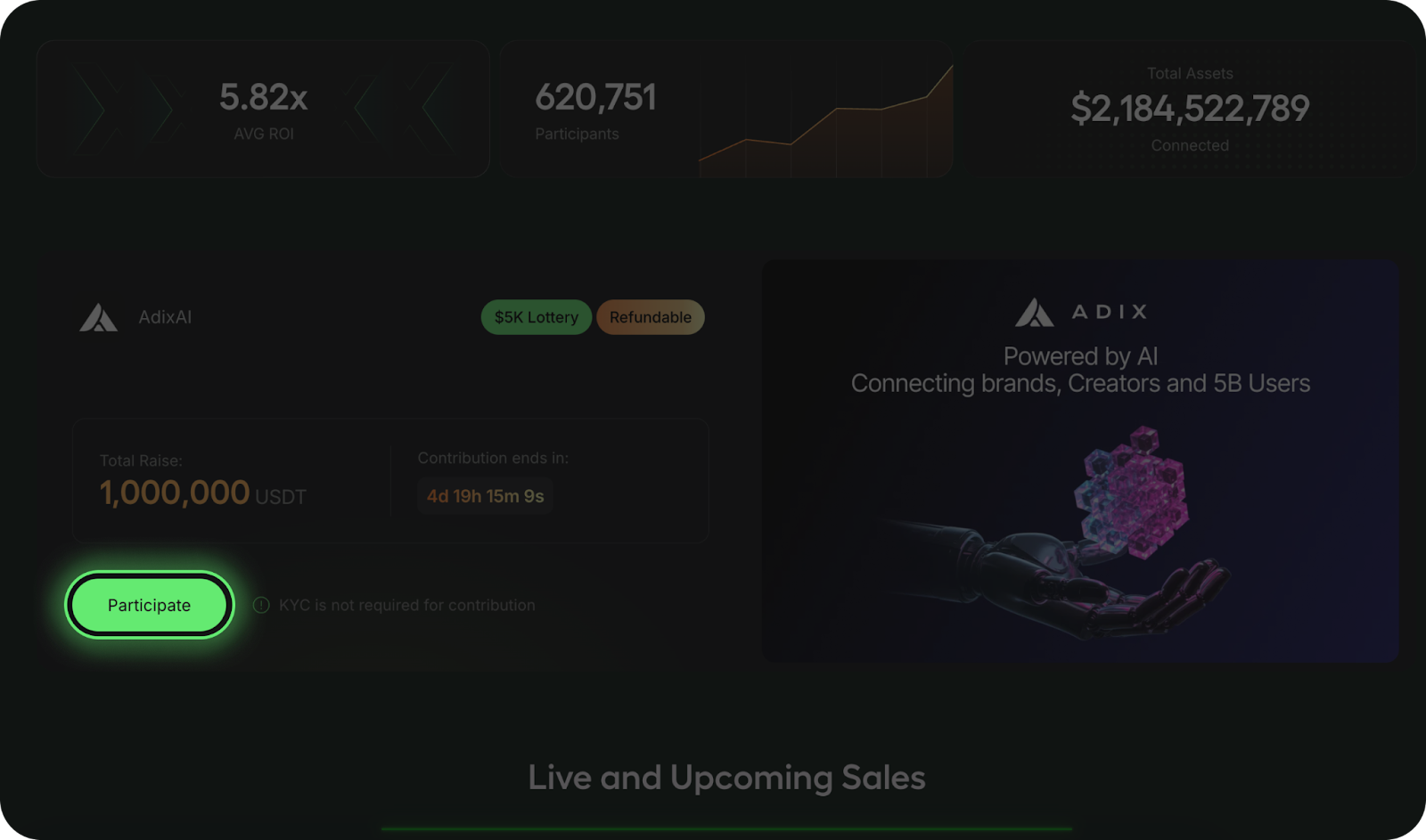
You’ll see all active IDOs. Look for AdixAI, and click “Participate”.
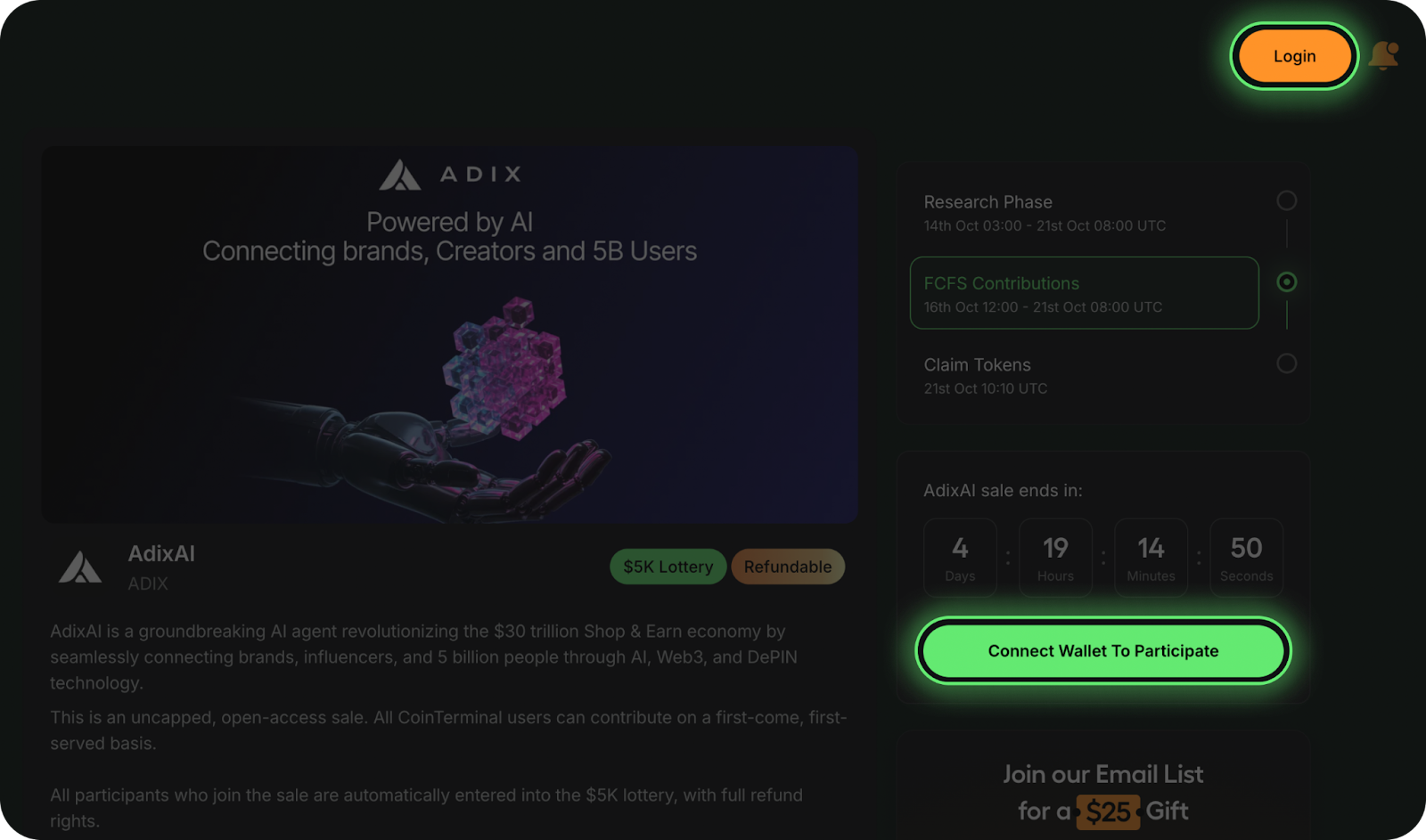
You can log in using:
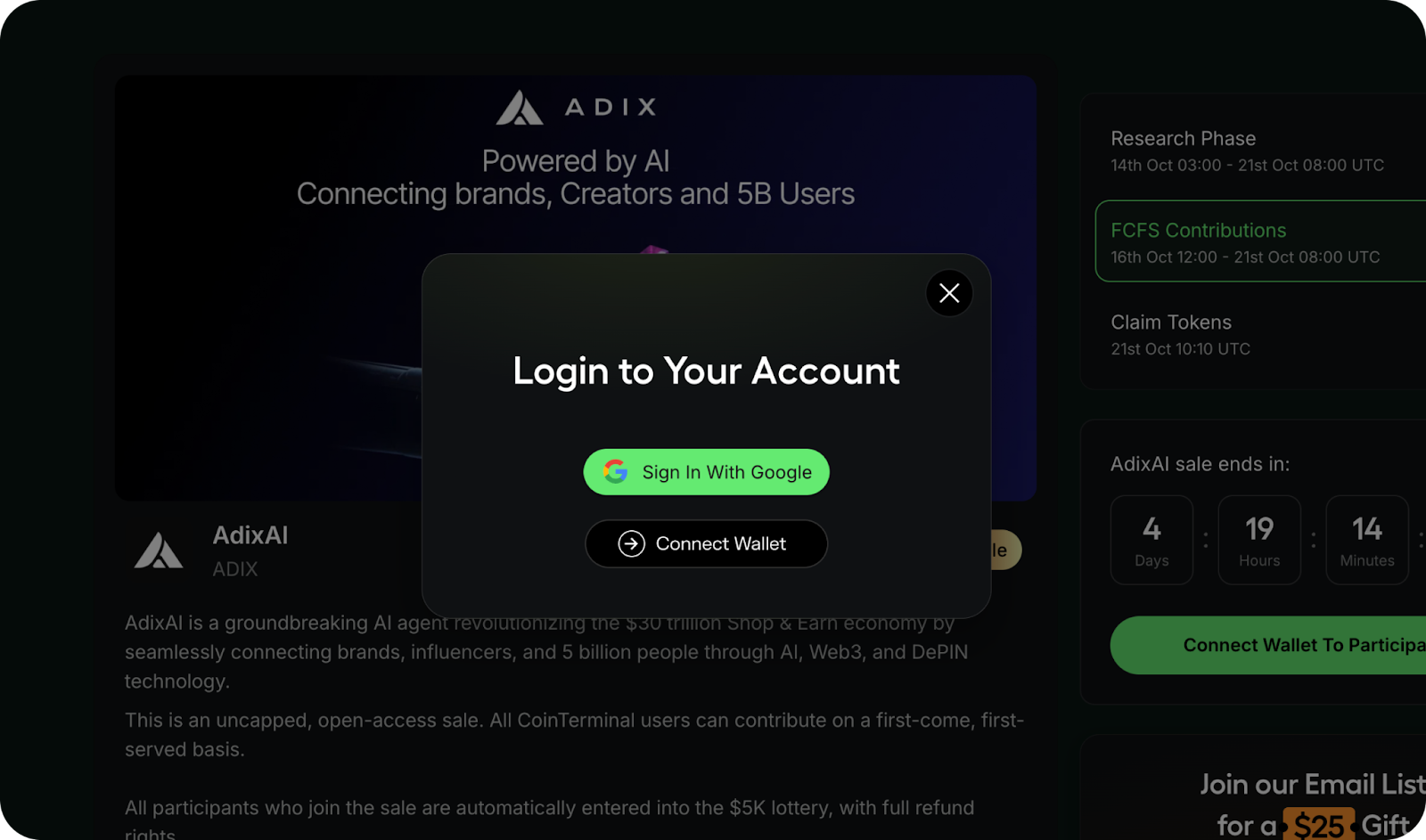
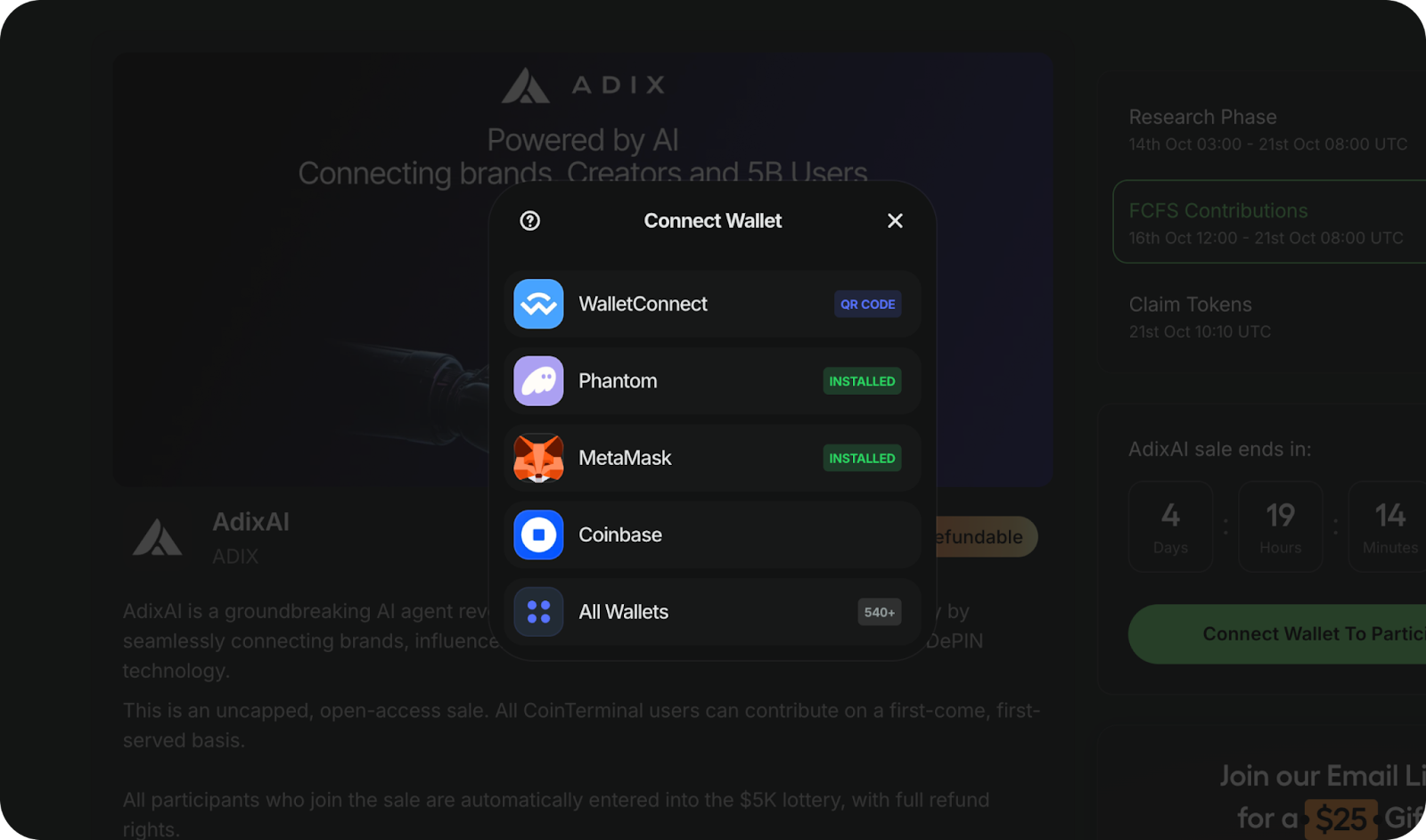
On mobile MetaMask, tap “Connect,” scan the QR code, and you’re in.
Enter your contribution amount (250 USDT or more qualifies for the $5K lottery).
Confirm the transaction, you’re in.
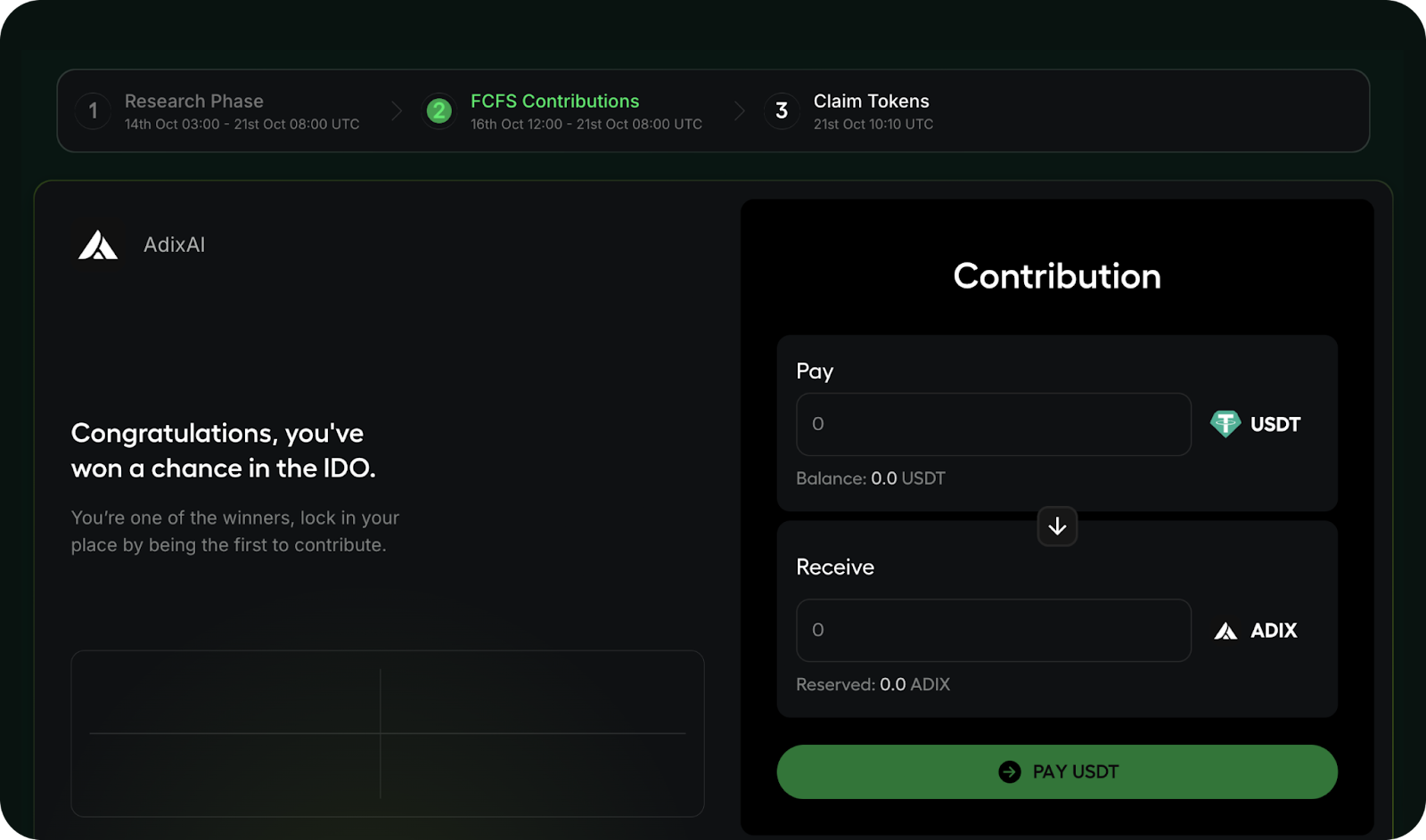
Even if you later request a refund, your lottery entry still counts.
KYC is only required when claiming your tokens.
Requirements:
How to Complete KYC via BlockPass:
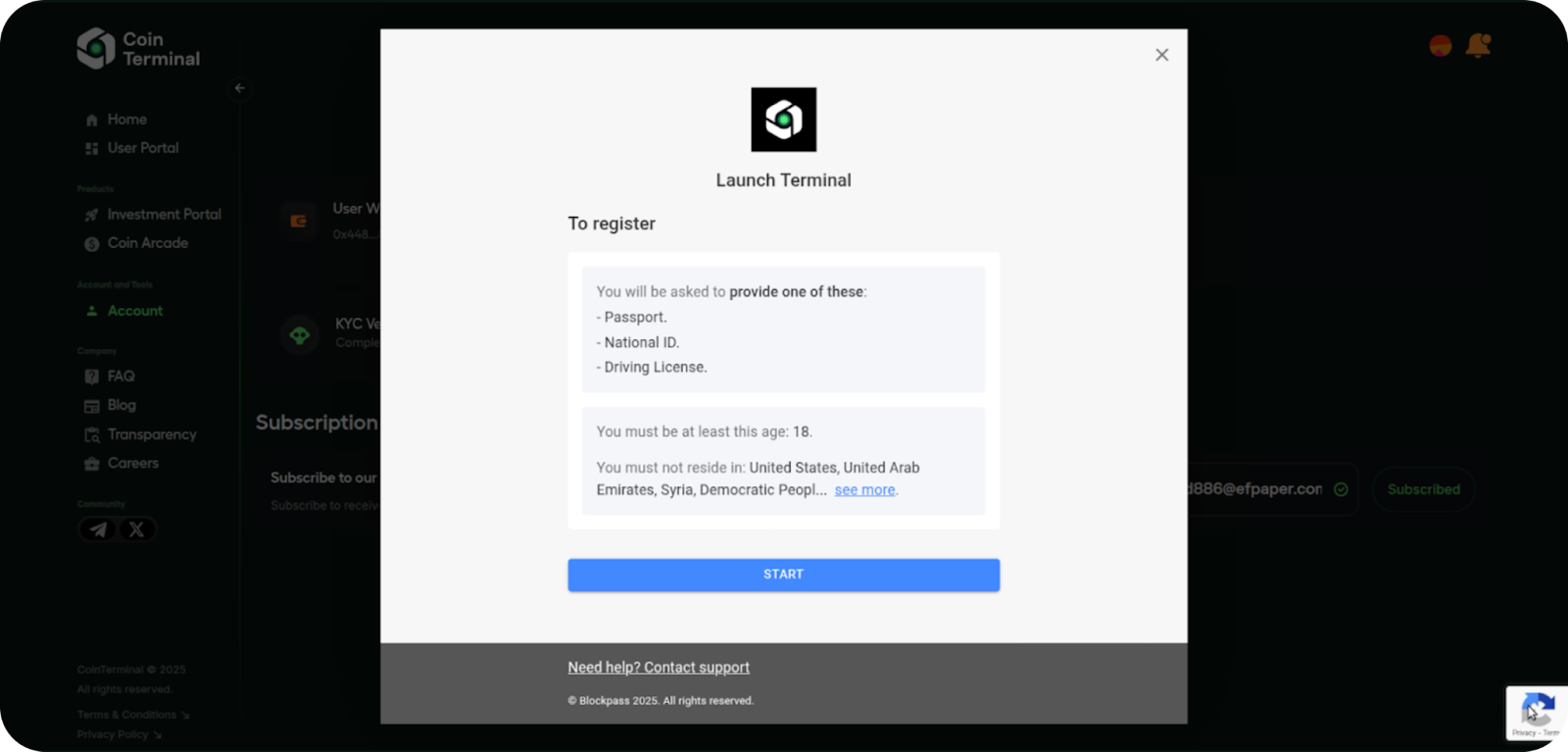
Once verified, you’ll be eligible for all future CoinTerminal IDOs; no need to repeat KYC.
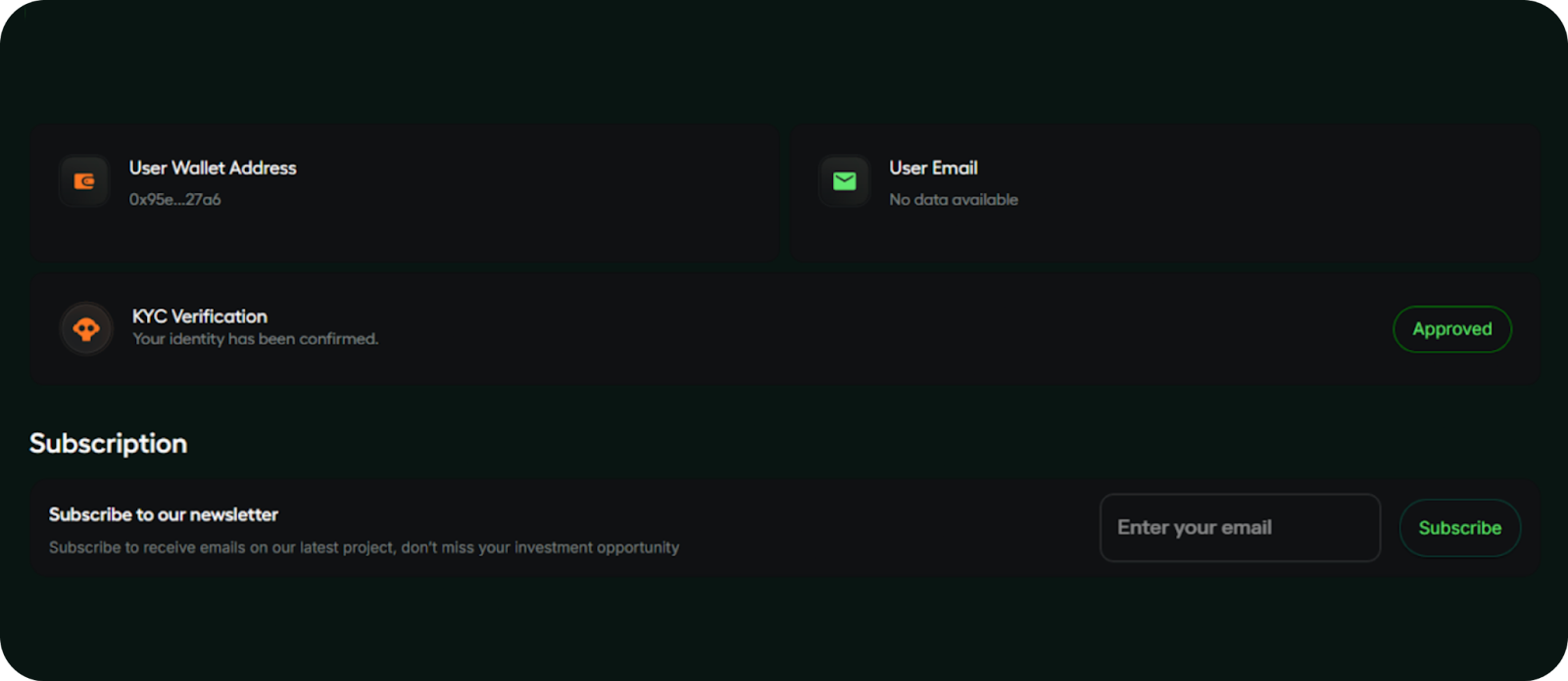
After the Token Generation Event (TGE), return to the AdixAI IDO page to claim your tokens.
All users must complete KYC verification through BlockPass before claiming:
Once your KYC is approved, you can claim your tokens directly to your connected wallet.
The claim window usually lasts 24 hours. If you don’t claim within this period, your funds are automatically refunded.
CoinTerminal is the only open-access launchpad that makes early-stage crypto investment accessible, fair, and fully transparent.
Participating is simple: connect your wallet and contribute; no KYC is required before or during the sale.
KYC will only be required when you claim your tokens.
If you have any questions, our team is available 24/7 via Telegram.
Check active sales now and participate in a fully refundable, transparent IDO with no strings attached.
This article is for educational purposes only. It is a general guide for founders and users navigating the Web3 space. It does not constitute financial advice. Always do your own research before making any investment decisions.If you want to learn more about raising funds or which IDOs to look into, our team is here to help. Feel free to reach out to us on Telegram at any time.